Game Screen Overview
Upon entering a match, the Game Screen becomes your tactical command interface. Here, strategy meets execution as you navigate hostile territories alongside your allies.
Primary Objectives
Your mission is clear but challenging: eliminate all hostile forces before time expires. Each canto consists of six interconnected areas, each presenting escalating threats and valuable opportunities.
Victory Conditions
Success: Clear all six areas of enemy forces within the time limit
Failure occurs when:
- The 10-minute countdown reaches zero
- All party members are eliminated
Area Progression Rules
- Linear Advancement: Complete current area before accessing the next
- Point of No Return: Previous areas become inaccessible once you advance
- Thorough Exploration: Hidden treasures, NPCs, and strategic resources await discovery
Strategic Priority: Balance speed with thoroughness. Rushing forward may cost valuable resources, while excessive caution risks mission failure.
Interface Elements
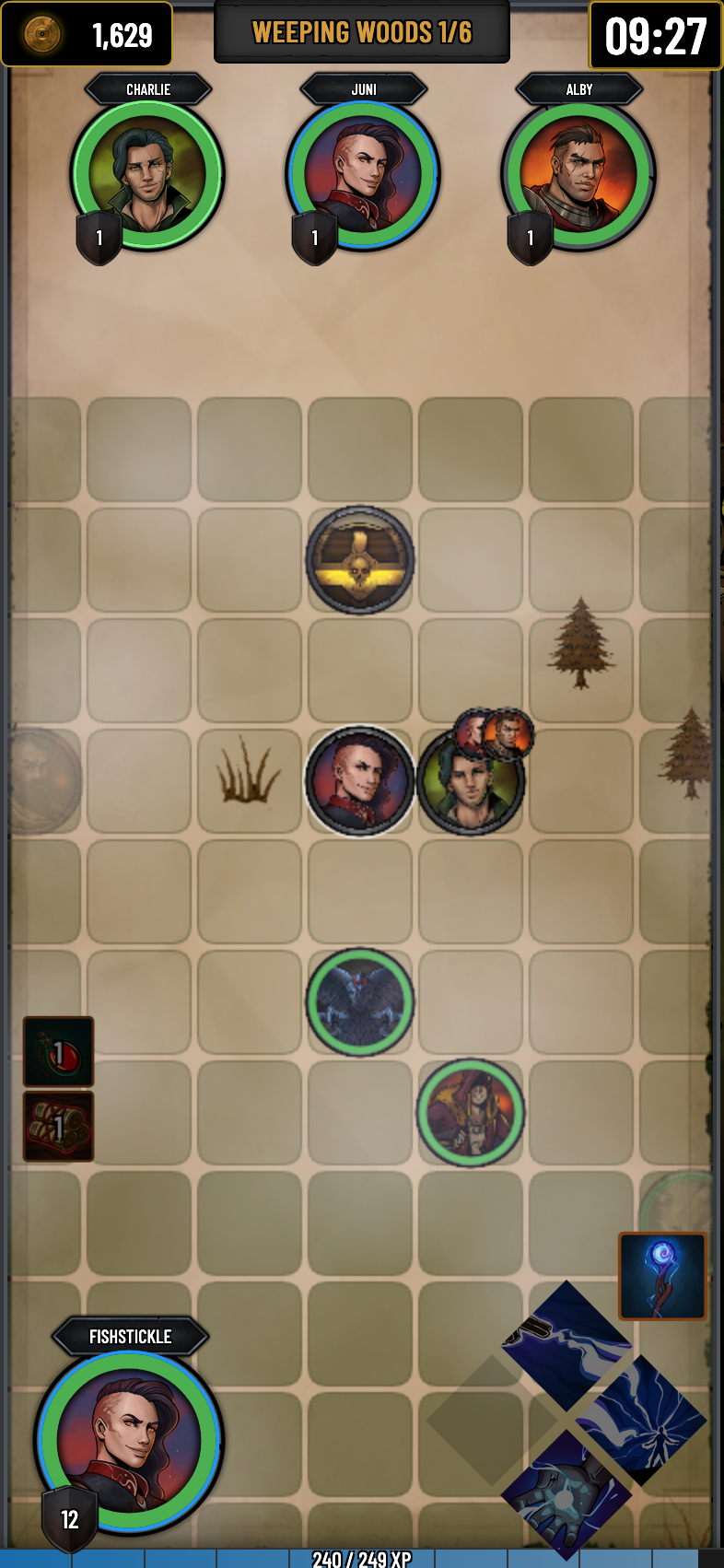
The Game Screen provides comprehensive battlefield awareness through strategically positioned information displays:
Resource Tracking
Gold Counter: Displays your current wealth for immediate merchant interactions and equipment purchases
Mission Context
Canto Identifier: Shows current canto name and specific area designation (e.g., "Weeping Woods - Area 3/6")
Time Management
Mission Timer: Critical 10-minute countdown displaying remaining expedition time. Mission failure occurs at 00:00.
Team Coordination
Party Status Panel: Real-time monitoring of all team members featuring:
- Character names and class portraits
- Current level
- Health and energy status with visual indicators
- Active status effects and combat conditions
Awareness Tip: Regularly monitor team health and positioning. Coordinated movement and mutual support often determine match success.
Tactical Map
The central game board presents a grid-based tactical view of your current area. Click any accessible tile to move or interact with objects and entities:
Entity Types & Interactions
| Entity | Visual | Interaction |
|---|---|---|
| Heroes |  |
Coordinate positioning and movement |
| Enemies | 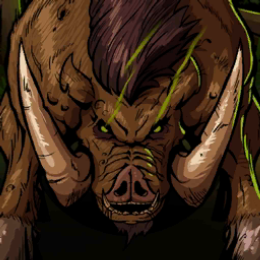 |
Click to initiate combat |
| Campfires | 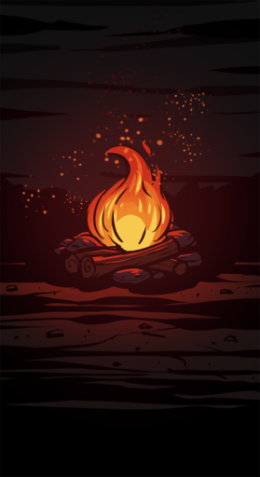 |
Heal 25% maximum health (2 uses per area) |
| Merchants |  |
Purchase equipment and supplies |
| Shrines |  |
Permanent character enhancements (single use) |
| Opportunities | 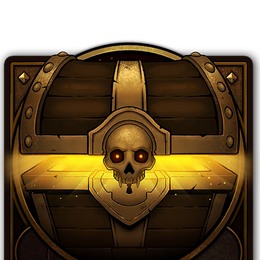 |
Risk/reward scenarios (single use) |
Area Progression
When all enemies are eliminated, the area exit activates at the southern edge of the tactical map, granting passage to the next challenge area.
Exploration Strategy: Don't forget to check the whole map. Hidden interactables often appear in seemingly empty spaces.
Personal Status Display
Character Panel: Comprehensive overview of your hero's current state, including:
- Character identity (name, level, portrait)
- Health and energy levels
- Active status effects with remaining durations
Combat Interface
Action Controls: Your equipped abilities, items, and weapon are displayed but remain inactive during exploration. These controls activate exclusively during combat encounters, ensuring clean battlefield navigation.
Character Progression
Experience Tracker: Visual progress bar displaying:
- Current experience points toward next level
- Experience required for advancement
Progression Note: Experience is gained primarily through combat victories, with bonus rewards for exceptional performance and area completion.